
MANTIS
A camera-rigged spatial cinema scanner.
What it does
Records everything the camera sees in 3D, and how the camera moves through 3D space, while the cinema camera is rolling.
MANTIS Studio
MANTIS Studio turns the recording into depth maps, a position pass, camera tracks and point clouds, aligned to your camera and lens.

Built for the realities of physical production

Silent
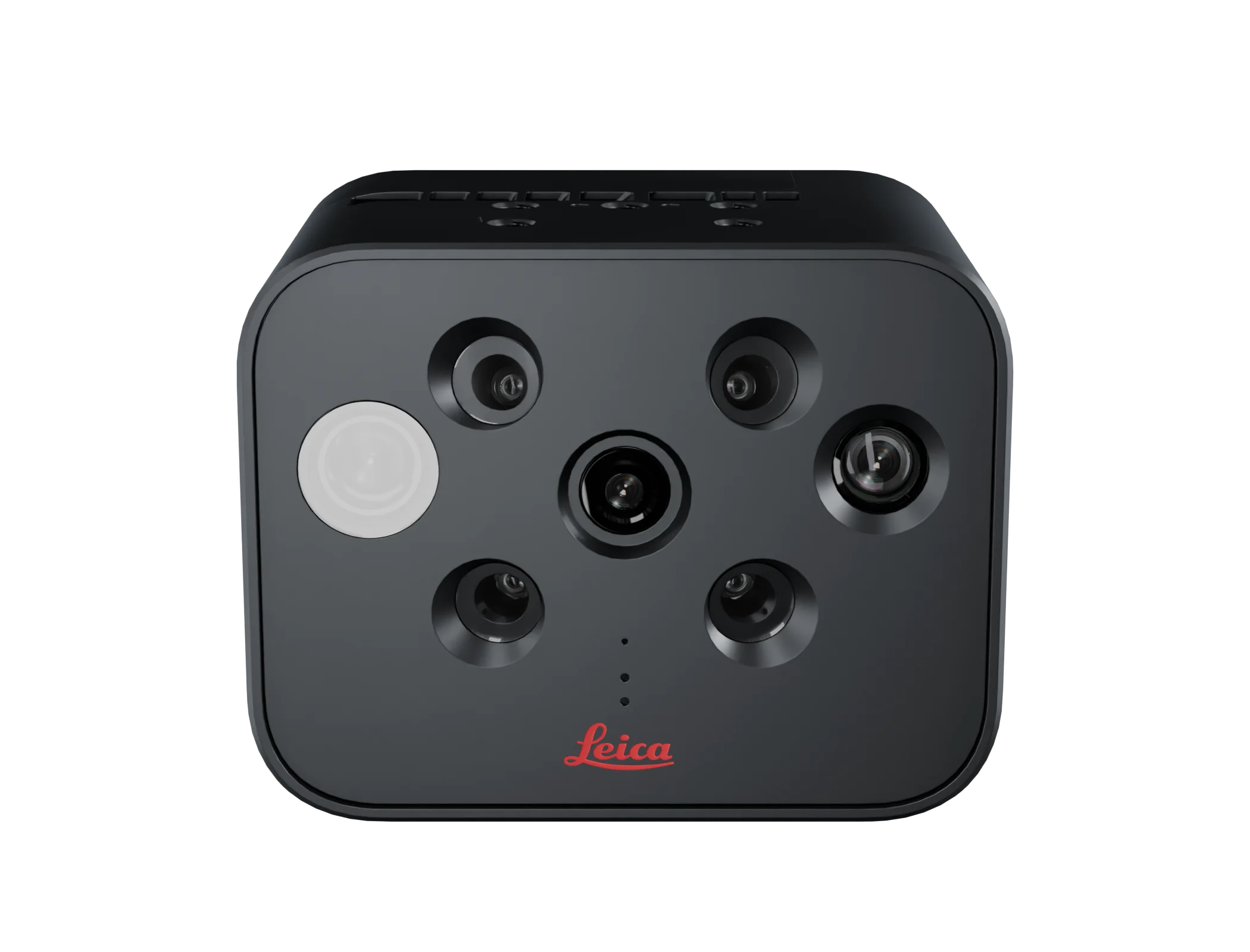
Solid-state LiDAR with no moving parts. The only moving part is a silent fan.
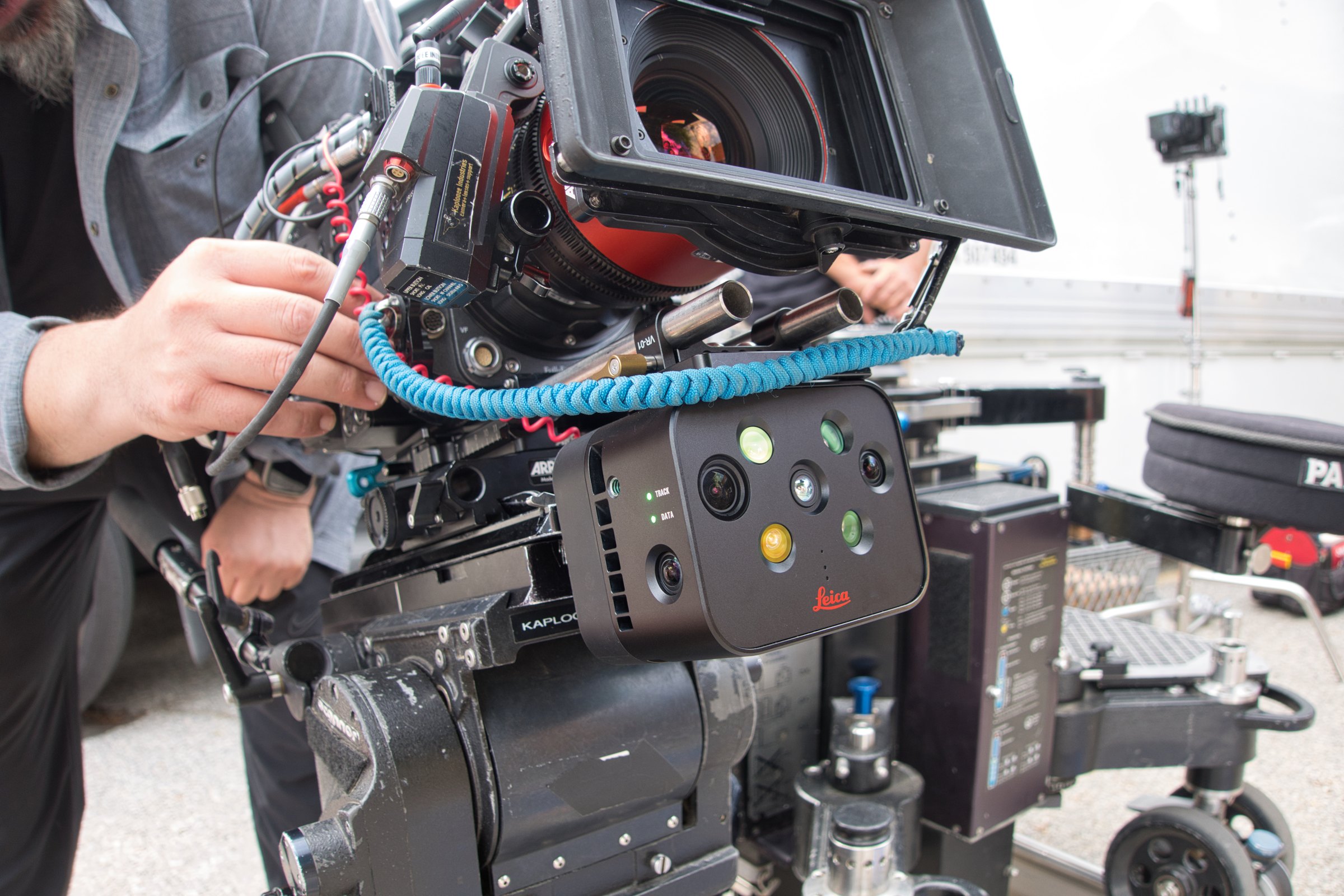
Small
900 g. Rigs above or below the lens, in any orientation, as long as the LiDAR faces the scene.

Built for set
Hot-swappable power, 800 GB onboard for about 7.5 hours, no markers and no extra crew. MANTIS is all you need. No other hardware required.
Hardware and software


MANTIS


MANTIS Studio
Features and specs
Turn the sensor in 3D, click through what MANTIS Studio produces, and check the file types.
MANTIS Studio
MANTIS Studio is the companion post-production software for MANTIS. It takes the spatial data layers captured on set through four steps.

Synchronise
View all spatial data on a timeline synchronised to the cinema plate, and fine-tune the timesync and calibration per camera.
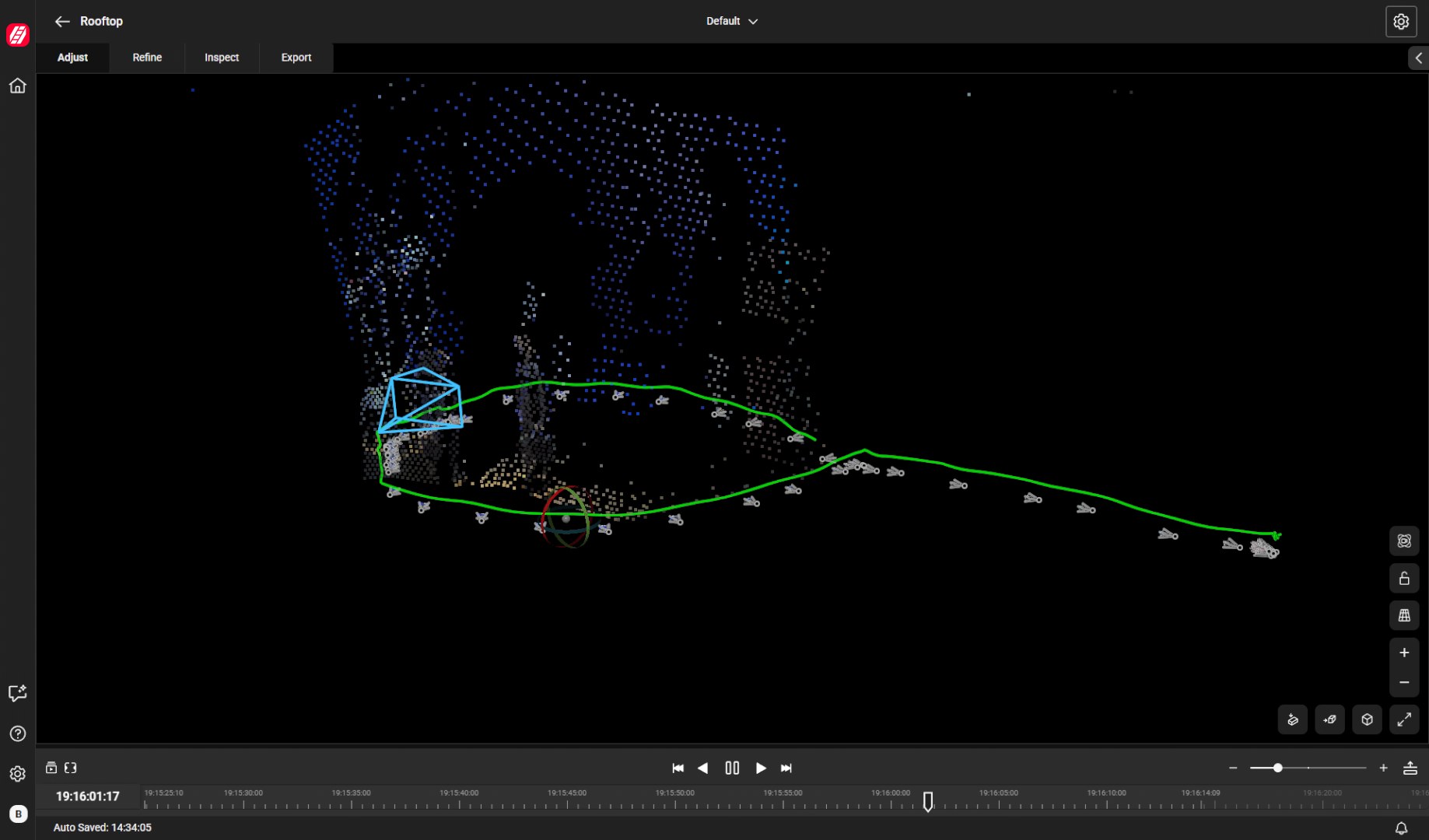
Refine
Rerun the camera tracking on your PC for a more consistent track with far less drift, and calculate depth maps.

Fuse
Bring the camera track, point cloud and depth maps together into one fused result, aligned to the cinema plate.

Export
Export the camera track as FBX and depth maps as EXR sequences, ready for the major VFX tools.
MANTIS Studio outputs
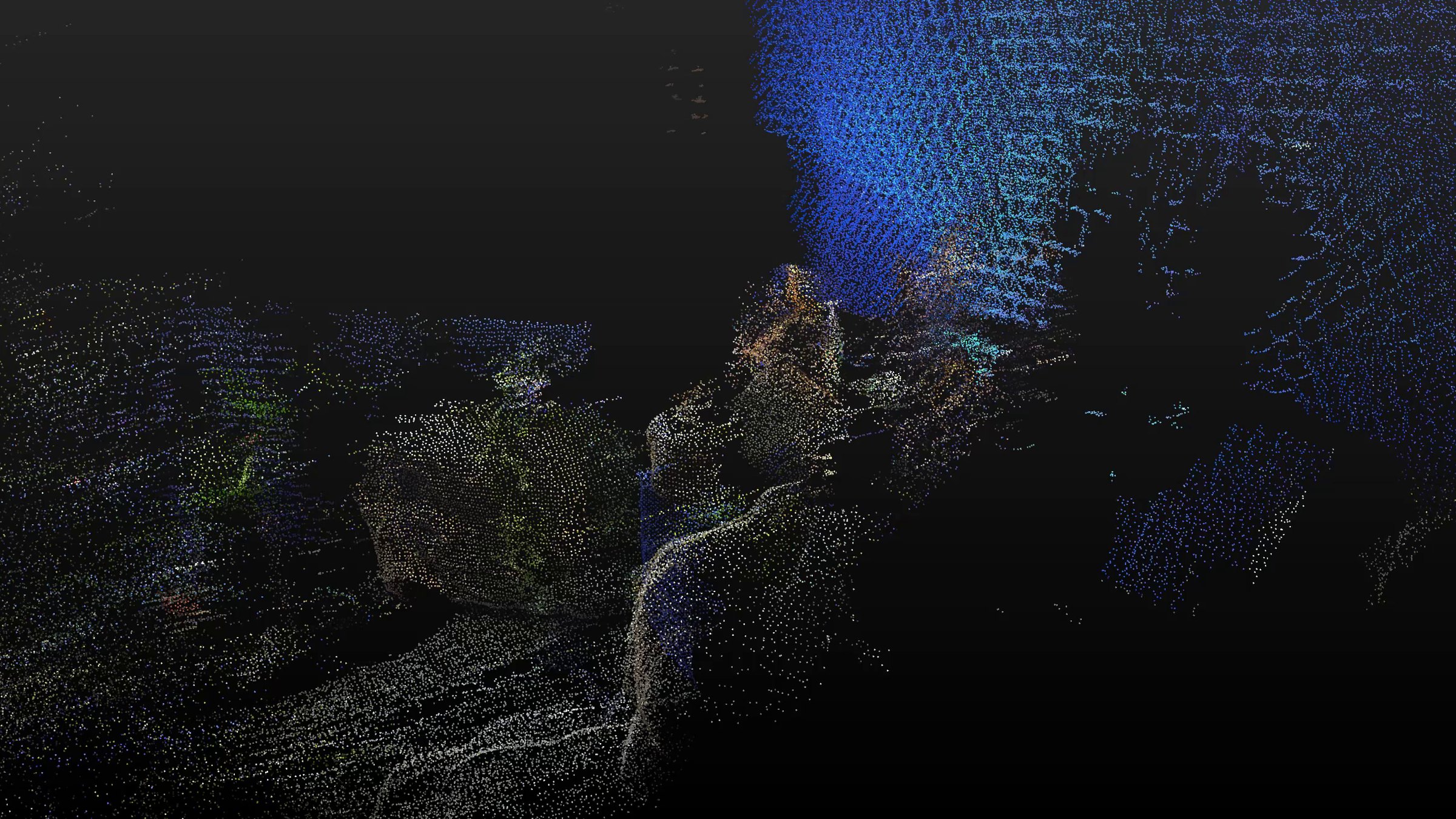
Camera-aligned point cloud
Every point is timecoded and aligned to your footage. Use one take, a time slice, or combine takes.
Exported file types

Camera track
FBX, Alembic, CSV

Depth and position
EXR sequences, 32-bit float for position

Point clouds
PLY, E57, CSV
Explore a MANTIS recording
A real point cloud, recorded on set by MANTIS, with the path the camera took. Drag to look around, or play the camera path.


MANTIS Connect
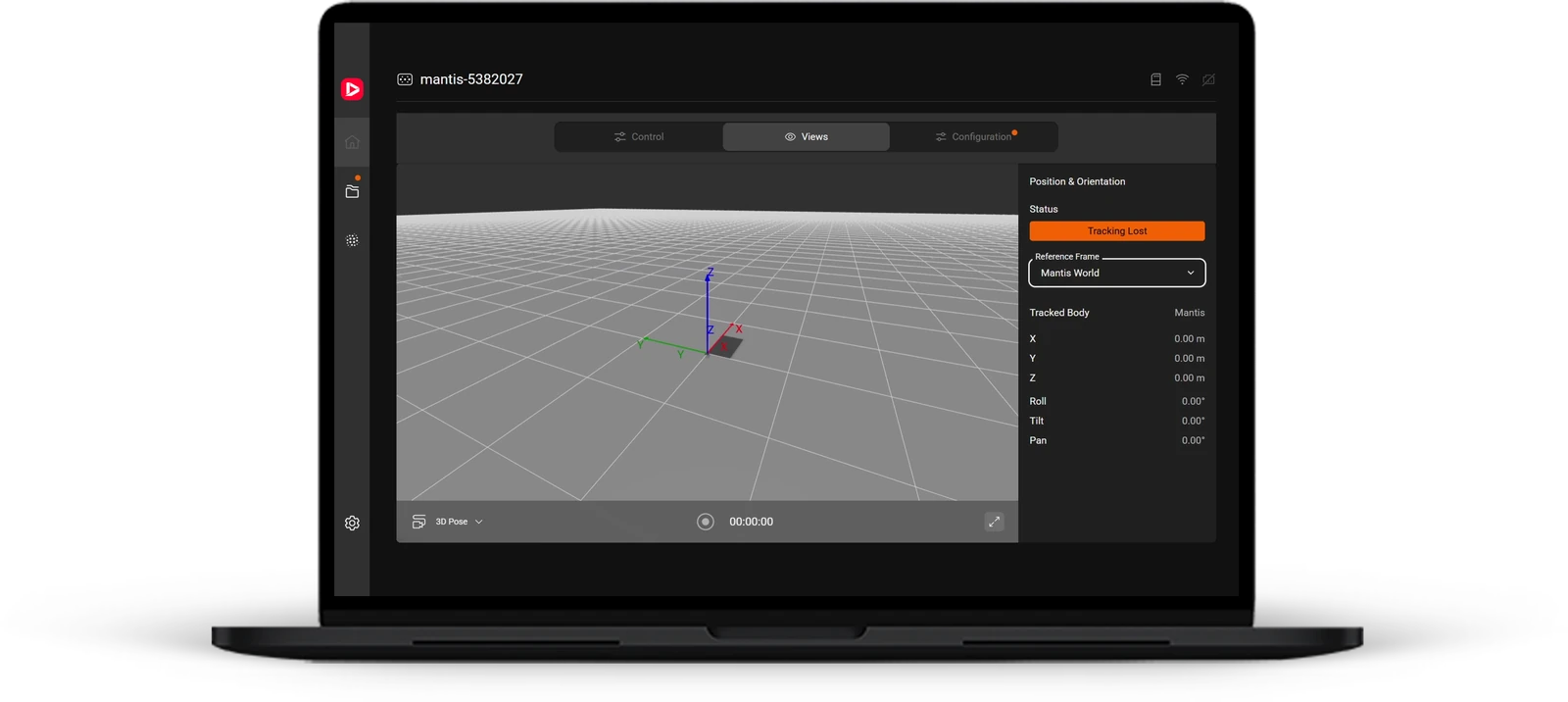
Control MANTIS on set from a browser: configure the sensor, start and stop recording, and monitor tracking, timecode and network.
Runs in the browser on a phone or a laptop.
Record
Start and stop recording from the app.
Live view
Watch the camera pose move in 3D while MANTIS tracks.
Status at a glance
Tracking, LTC timecode, Wi-Fi and Ethernet, always in view.
Project, camera and lens
See the active project and the camera and lens on the rig.
Works in your pipeline
Standard formats, tested in the VFX tools your team already uses.
Compositing
Keying by position pass in Nuke.
 Nuke
CG and layout
The point cloud and camera track in Maya and Houdini.
 Maya

Game engines
The MANTIS data in Blender and Unreal Engine.
 Blender
 Unreal Engine
Questions, answered
What is MANTIS, and what does it do?
What is the size and weight?
How does it rig to the camera?
What sensors are inside?
Which cameras does it work with?
How is it powered?
How does it stay in sync with my camera?
Can I run more than one?
What do I get out of MANTIS Studio?
What is a position pass?
Do I have to calibrate before I shoot?
Calibration has two steps, and neither holds up the shoot.
Lens calibration (intrinsic): done once for each lens, ideally in the days before filming, at the same time the camera team charts and profiles its lenses.
Camera offset calibration (extrinsic): links MANTIS to the camera and takes about one - two minutes on set.
New lens during the shoot? Run the offset calibration straight away and keep shooting. That lens is then profiled after wrap the same day.
How far does the LiDAR see?
Where does it struggle?
How much can it record?
Which VFX software does the data work with?
Can I use it for virtual production?
Are there other accessories required?
Can I use MANTIS standalone, without a cinema camera?
Where do I get support?
What does it cost?
Want to see MANTIS on your next production?
Contact usStay up to date on MANTIS
Product news, release notes and invitations to events, a few times a year.